
ComfyUI Production Skill Pack
Defines approved ComfyUI pipelines with permitted node lists, brand LoRAs, and evidence capture at each stage.
What this pack enables
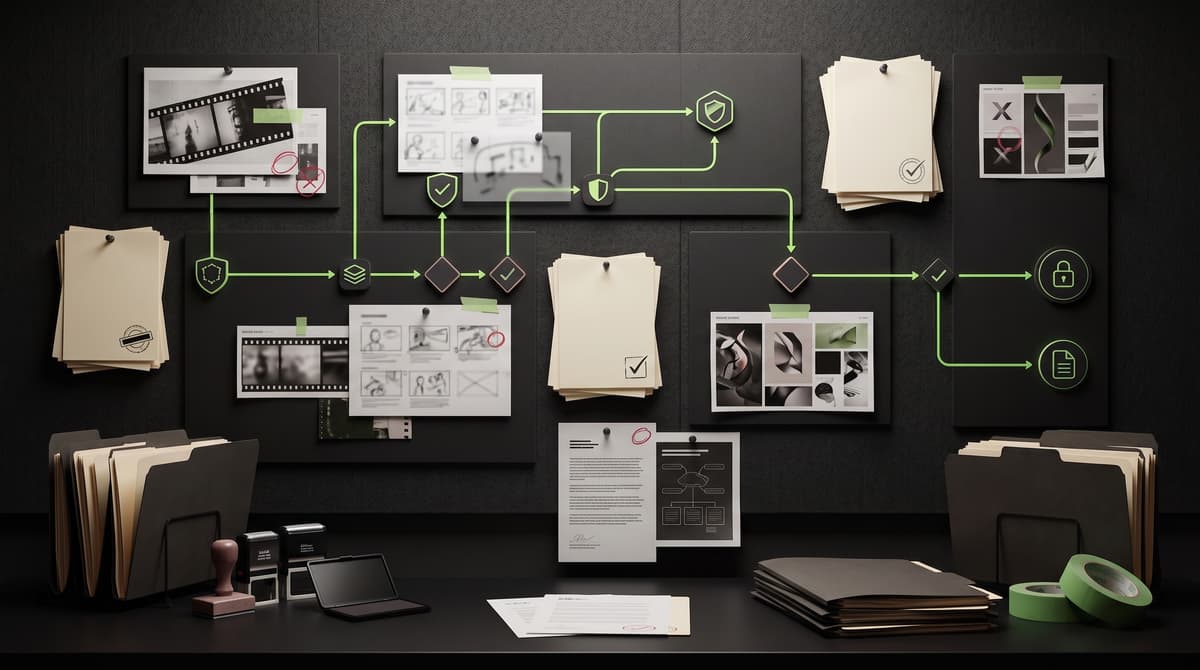
Approved ComfyUI pipeline execution with permitted node lists, brand-trained LoRAs, and structured evidence capture at each generation stage.
Best for
Teams running ComfyUI for production image generation who need clear rules for which nodes, LoRAs, and pipeline configurations are approved.
Ecosystem examples
Client outcome
An operating file defining approved ComfyUI nodes, permitted LoRAs, pipeline structures, and evidence requirements for your production environment.
What a Media Skill Pack defines.
Execute image generation pipelines using approved ComfyUI configurations and permitted model components.
ComfyUI with approved node list. ControlNet, IP-Adapter, LoRA. Client-approved pipeline configurations only.
Approved brand LoRAs, reference imagery from brand library, product photography, style guides.
Non-approved nodes or extensions, untested LoRAs, unlicensed training data references.
Only brand-approved LoRAs may be loaded. Outputs must pass Brand Profile visual check.
LoRA training data provenance must be documented. NILP® check if likeness-trained models used.
Resolution per format spec. Full pipeline state captured. Metadata includes node graph hash and LoRA versions.
Source assets
- Reference imagery
- Brand LoRA models
- Pipeline configuration files
Reference materials
- Approved node list
- Brand LoRA documentation
- Pipeline structure templates
Required metadata
- Pipeline version
- Node graph hash
- LoRA versions used
Asset access level
Production team with approved ComfyUI environment access.
Destination systems
- Internal review
- Quality check pipeline
- DAM for approved outputs
Human approval gates
- Node list compliance check
- LoRA approval verification
- Brand visual check on outputs
Brand review
Automated Brand Profile check on all outputs. LoRA alignment verification.
Rights review
LoRA provenance verification. NILP® check for likeness-adjacent models.
Escalation path
Unapproved node use blocks pipeline. LoRA provenance gaps escalate for review.
Blocked use cases
- Non-approved nodes
- Untested LoRAs
- Pipelines without evidence capture
Evidence captured and returned by this Skill Pack at every execution.
Sample scenarios showing how this pack operates in production.
Product imagery via brand LoRA pipeline
Before release, Creation Rights checks:
Public view shows sample pack structure only.
Client teams access the full operating files, approved tool lists, prompt templates, asset access rules, Brand Profile references, Rights & NILP® rules, approval paths, metadata schemas, evidence checklists, example runs, rollout notes, and Creation Rights handoff rules for this pack.